The Fundamental Difference: Raster vs Vector
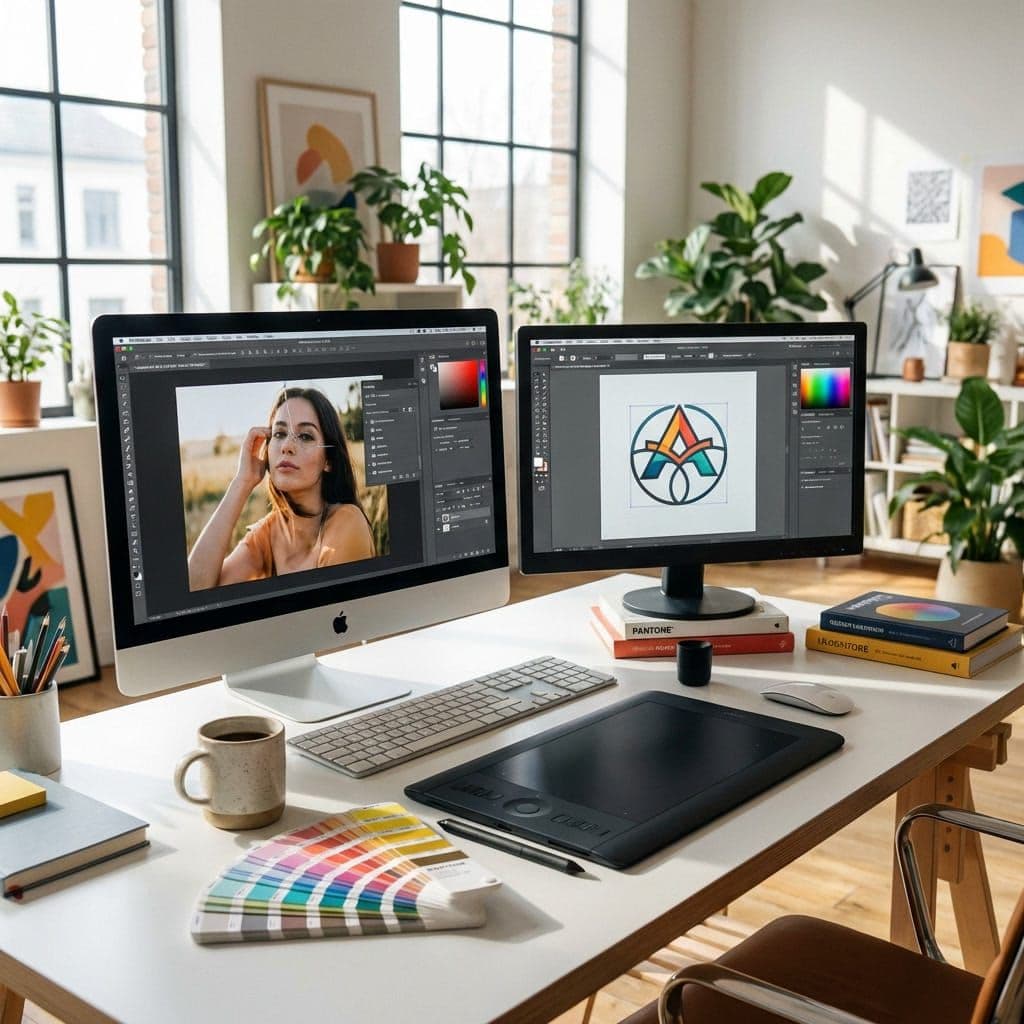
The main distinction between Photoshop and Illustrator is the type of graphics they handle. Photoshop works with raster images (made up of pixels), while Illustrator creates vector graphics (based on mathematical formulas).
In practice: if you enlarge a Photoshop image beyond its original resolution, it becomes blurry. A vector illustration in Illustrator, on the other hand, remains perfectly sharp at any size — from business cards to billboards.
When to Use Photoshop
Photoshop is the ideal tool for:
- Photo Retouching and Post-Production Color correction, blemish removal, photo compositing, and manipulation of real images.
- Digital Painting Digital painting with realistic brushes, textures, and painting effects for concept art and illustrations.
- Web Design and UI Creating mockups, banners, and graphic assets for websites with precise pixel management.
- Photo Compositions Complex photo montages, generative backgrounds with AI Firefly, and creative photo manipulation.
- Textures for 3D Creating painted textures for 3D models used in games, films, and architecture.
When to Use Illustrator
Illustrator excels in:
- Logo Design Logos must work at any size: vector is the only professional choice.
- Brand Identity Style guides, color palettes, icons, and consistent graphic elements for the brand.
- Packaging and Print Design of packaging, labels, brochures with precise CMYK color separation.
- Scalable Illustrations Infographics, icons, illustrations for websites and apps that need to adapt to all devices.
- Patterns and Motifs Creating perfect repeatable patterns for fabrics, wallpapers, and decorative materials.
Direct Comparison
| Aspect | Photoshop | Illustrator |
|---|---|---|
| Graphic Type | Raster (pixels) | Vector (paths) |
| Scalability | Limited to resolution | Infinite |
| Main Use | Photos, compositing, textures | Logos, icons, illustrations |
| AI Firefly | Generative Fill/Expansion | Recolor, Vector Generation |
| Output Formats | PSD, JPG, PNG, TIFF | AI, SVG, EPS, PDF |
| Learning Curve | Medium | Medium-High |
| Price (Micro-ESD) | From €39.99 | From €39.99 |
The Verdict: Which to Choose?
✅ Choose Photoshop if:
- You primarily work with photos and real images
- You do digital painting or concept art
- You create content for social media and web
- You need generative AI for photo manipulation
✅ Choose Illustrator if:
- You design logos, icons, and brand identity
- You create materials for professional printing
- You make infographics and scalable illustrations
- You work in packaging or textile design
The best answer? Many professionals use both. Photoshop for photos and textures, Illustrator for vector work. With Creative Cloud, you get both at an unbeatable price.
🛒 Buy Adobe on Micro-ESD
Original Adobe licenses with immediate delivery and support in Italian.