Introduction: Why This Comparison is Crucial in 2026
October 14, 2025 marked a historic turning point: Microsoft officially ended support for Windows 10, ceasing the release of security updates and new features. This means that PCs running Windows 10 are now potentially vulnerable to new cyber threats.
If you are still using Windows 10 or are purchasing a new PC, the question is inevitable: is it worth switching to Windows 11 or staying on Windows 10? In this comprehensive guide, we analyze every aspect — from gaming performance to security, from the user interface to hardware requirements — to help you make the best decision.
System Requirements Compared
One of the most significant differences between the two operating systems concerns the minimum hardware requirements. Windows 11 is definitely more demanding:
| Requirement | Windows 10 | Windows 11 |
|---|---|---|
| Processor | 1 GHz or higher | 1 GHz, 2+ cores, 64-bit (recent gen) |
| RAM | 1 GB (32-bit) / 2 GB (64-bit) | Minimum 4 GB |
| Storage | 16 GB (32-bit) / 20 GB (64-bit) | Minimum 64 GB |
| TPM | Not required | TPM 2.0 required |
| Secure Boot | Not required | UEFI with Secure Boot |
| Screen | 800x600 | 720p, minimum 9" diagonal |
The TPM 2.0 (Trusted Platform Module) requirement is what has excluded many older computers from the upgrade. However, most PCs sold from 2018 onwards support it natively.
Tip: If your PC is less than 5 years old, it is very likely compatible with Windows 11. You can check it with Microsoft's PC Health Check app.
User Interface: Modern Design vs Familiarity
Windows 11 introduced the most radical redesign of the Microsoft interface since Windows 8, but with a much more refined approach:
- Centered Taskbar The taskbar is centered by default (macOS style), with cleaner icons and a modern look. It can still be moved back to the left in the settings.
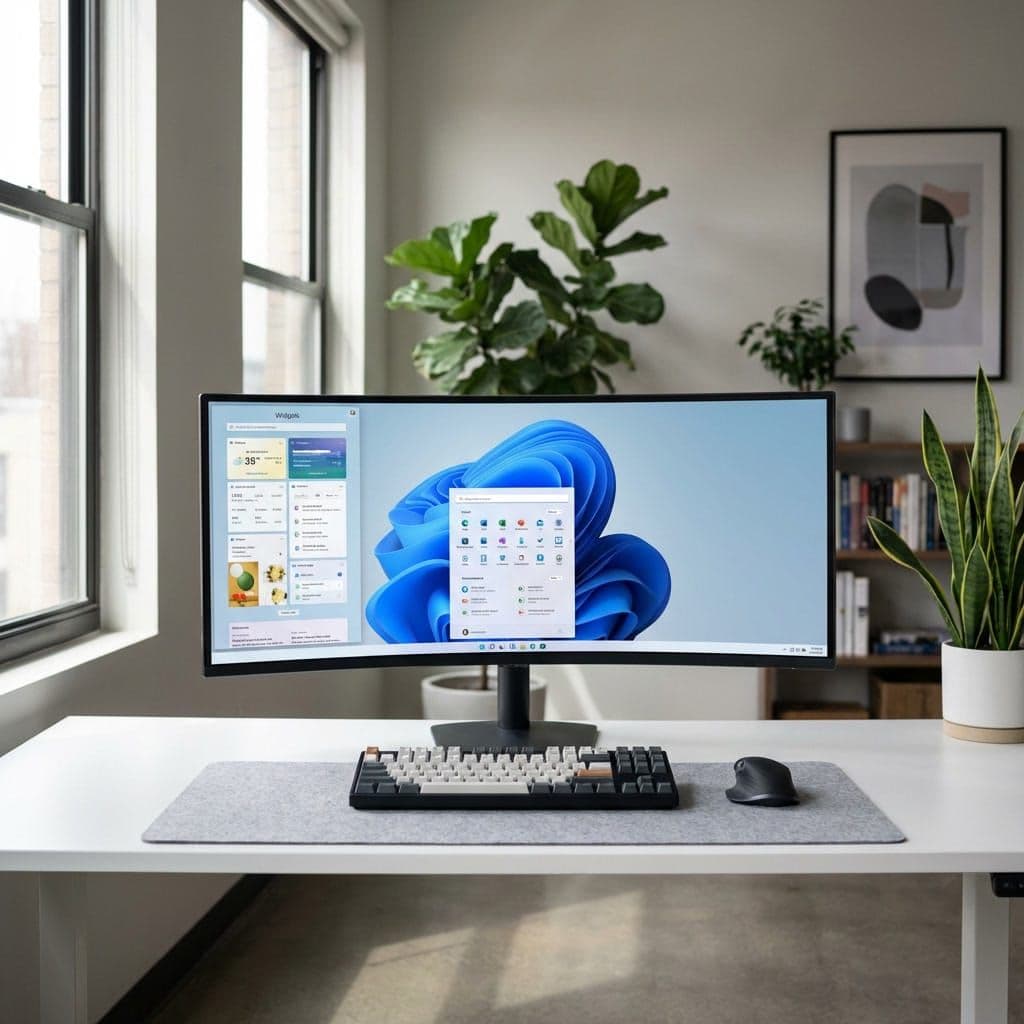
- Redesigned Start Menu Gone are the Live Tiles of Windows 10: the new Start shows pinned apps and recent files in a clean grid layout, with integrated search and smart suggestions.
- Rounded Corners and Mica All windows have rounded corners and the "Mica" material that slightly blurs the desktop background through the windows, creating an elegant depth effect.
- Snap Layouts and Snap Groups One of the best new features: hovering over the maximize button opens predefined layouts to organize windows, ideal for multitasking productivity.
- Widget Panel A sidebar panel with weather, news, calendar, and customizable widgets, accessible with a gesture or click.
However, some users complain that the Windows 11 interface can feel slightly slower in everyday interactions. As highlighted by thorough testing, context menus (right-click) have micro-delays due to the XAML/WinUI architecture. This is not a pure system performance issue, but rather a matter of "perceived speed" in the UI.
Performance: Who Wins in 2026?
The performance question has long been the Achilles' heel of Windows 11, but the 25H2 update has significantly changed the game:
🎮 Gaming Performance
Recent tests on cutting-edge hardware (NVIDIA RTX 5090) show that Windows 11 25H2 outperforms Windows 10 by 1-5% in most games at 1080p, 1440p, and 4K. In some titles like Cyberpunk 2077 and Spider-Man 2, the advantage reaches up to 24% at 4K.
This completely reverses the results of 2024, when Windows 10 was still faster in gaming. The credit goes to kernel optimizations and the improved Game Mode in 25H2.
Important note: these tests were conducted with "clean" installations, without VBS (Virtualization Based Security) enabled. With VBS enabled, the gap narrows or may slightly reverse.
💼 General Productivity
For everyday tasks — web browsing, Office, photo/video editing — performance differences are practically negligible on modern hardware. Windows 11 manages hybrid processors (big.LITTLE) like Intel's 12th generation and later better, thanks to the integrated Thread Director.
On older hardware, Windows 10 remains lighter: it consumes less RAM at startup (about 2.5 GB vs 3.5 GB for Windows 11) and takes up less disk space.
Security: The True Strength of Windows 11
Here Windows 11 wins decisively, and not just for the extra features:
- TPM 2.0 Required Native hardware encryption protects credentials, biometric data and encryption keys at the dedicated chip level.
- VBS and Memory Integrity Virtualization Based Security isolates critical kernel processes in a virtualized environment, making it much harder for malware to compromise the system.
- Smart App Control Automatically blocks untrusted or potentially harmful apps before they run.
- Wi-Fi 7 Support Advanced network encryption with the latest protocols.
- Active Security Updates Unlike Windows 10 (support ended), Windows 11 regularly receives security patches and new features.
This is the deciding factor: with the end of support for Windows 10, staying on an operating system without security updates exposes the PC to vulnerabilities that will never be fixed.
Exclusive Features of Windows 11
In addition to design and security, Windows 11 offers several features that will never arrive on Windows 10:
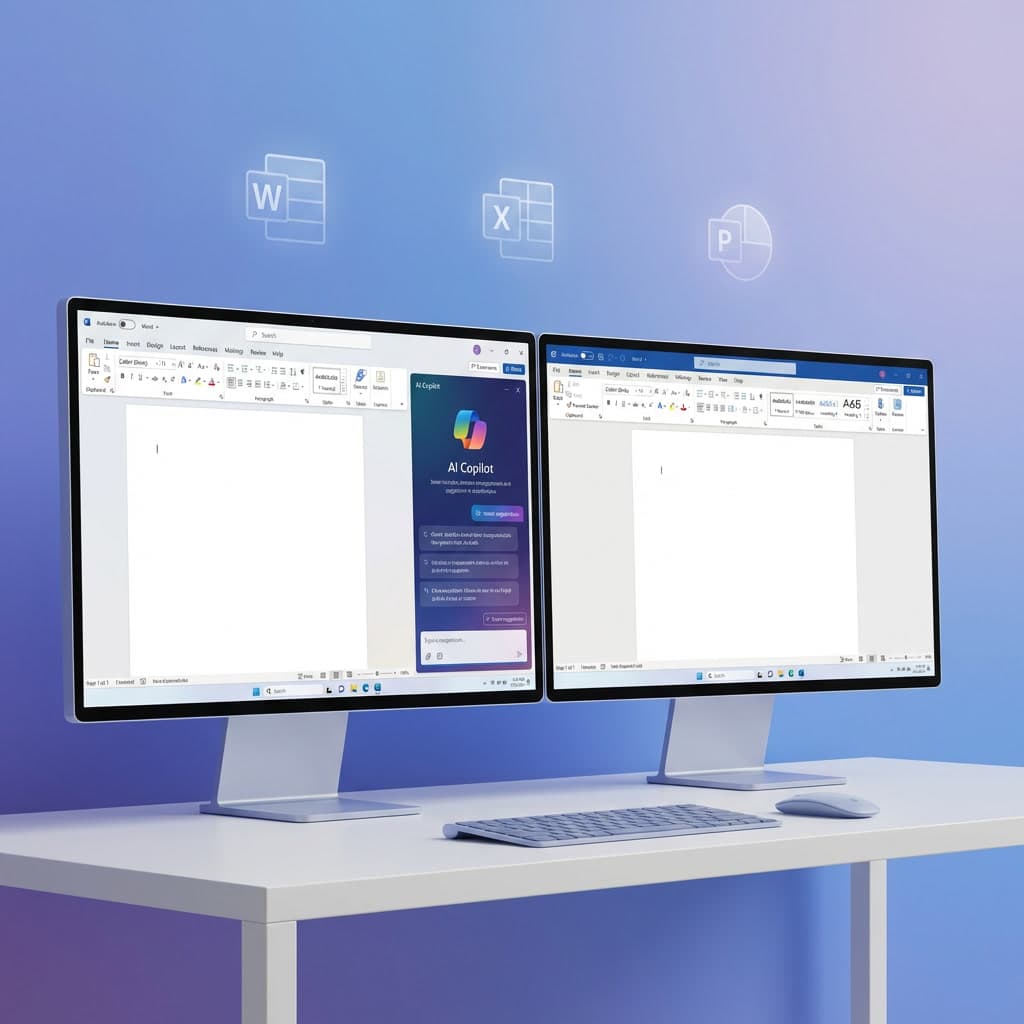
- Integrated Microsoft Copilot The AI assistant is integrated directly into the operating system, accessible from the taskbar for searches, summaries, text generation, and much more.
- Android Apps (via Amazon Appstore) Ability to install and run Android apps directly on the PC.
- Improved Virtual Desktops Each virtual desktop can have its own background and custom layout.
- Integrated Teams Microsoft Teams is natively integrated into the taskbar for quick chats and video calls.
- DirectStorage Technology that allows the GPU to load game assets directly from the NVMe SSD, drastically reducing load times.
Final Verdict: Which to Choose in 2026?
✅ Choose Windows 11 if:
- Your PC meets the hardware requirements (TPM 2.0, recent CPU)
- You want maximum security with constant updates
- You are a gamer and want the best performance with modern GPUs
- You desire the latest AI features (Copilot) and productivity (Snap Layouts)
- You are purchasing a new PC or a new license
⚠️ Windows 10 may still make sense if:
- You have an older PC that is not compatible with Windows 11
- You use legacy software that may have compatibility issues
- You prefer a familiar and proven interface
Our recommendation? In 2026, Windows 11 is the clear choice for the vast majority of users. The end of support for Windows 10 makes the switch not only advisable but practically necessary for the security of your data.
🛒 Buy Your Windows License
On Micro-ESD you can purchase original Windows 11 Pro and Windows 10 Pro licenses at unbeatable prices, with immediate delivery via email and lifetime warranty.